
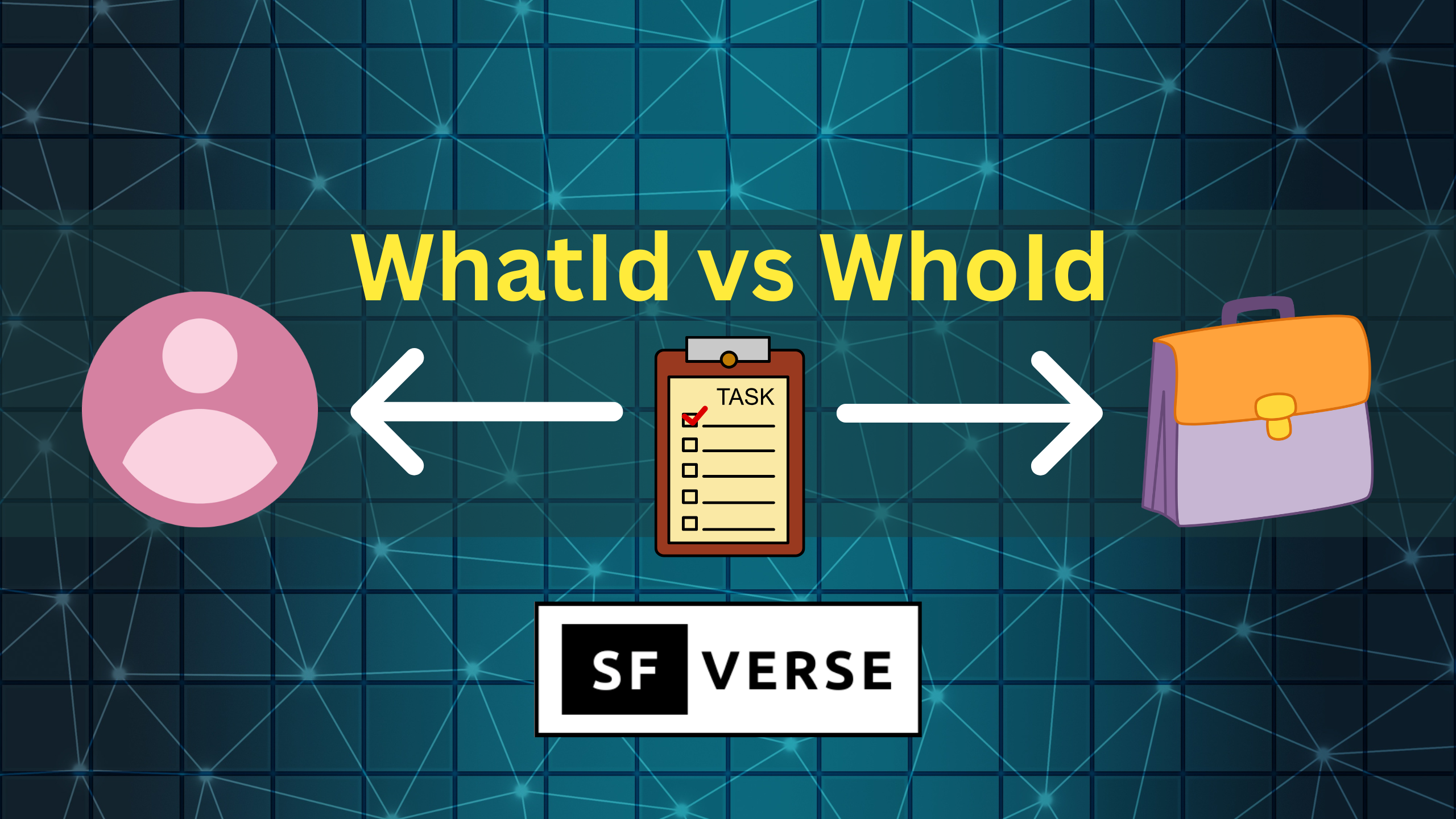
In this article we will understand WhatId vs WhoId in Salesforce.
When you create a Task or Event in Salesforce, you’ll often see two fields that look similar but mean very different things:
- WhoId
- WhatId
The easiest way to remember the difference is this:
- WhoId = the person involved
- WhatId = the record the activity is about
WhoId: “Who did you interact with?”
WhoId is for person records only. In Salesforce, that means:
- Lead
- Contact
So if you’re logging a call, email, or meeting with an actual individual, WhoId is the field you want.
Example: Task for a Contact
Task t = new Task(
    Subject = 'Check in after demo',
    Status = 'Not Started',
    Priority = 'Normal',
    WhoId = '003XXXXXXXXXXXX' // Contact Id
);
insert t;
Use WhoId when the activity is tied to a person and you want the activity to show up in their Activity Timeline.
WhatId: “What is this activity related to?”
WhatId is used for non-person records — the “business objects” in Salesforce. This includes common records like:
- Account
- Opportunity
- Case
- Campaign
- Custom objects (like Project__c or Contract_Request__c)
If the activity is tied to the work itself (a deal, support request, account review, or internal project), WhatId is the correct field.
Example: Task related to an Opportunity
Task t = new Task(
    Subject = 'Send updated pricing proposal',
    Status = 'In Progress',
    Priority = 'High',
    WhatId = '006XXXXXXXXXXXX' // Opportunity Id
);
insert t;
Use WhatId when the activity is tied to a record that teams track and report on.
When You Use Both (Best Practice in Many Scenarios)
In real life, an Activity often involves both:
- a person you spoke with
- a record you were working on
That’s why Salesforce lets you set both fields on the same Activity.
Example: Follow up with a Contact about a Case
Task t = new Task(
    Subject = 'Confirm customer issue is resolved',
    Status = 'Not Started',
    Priority = 'High',
    WhoId = '003XXXXXXXXXXXX', // Contact Id
    WhatId = '500XXXXXXXXXXXX'  // Case Id
);
insert t;
This gives Salesforce the full context:
- the Task is connected to the customer (WhoId)
- and tied to the support ticket (WhatId)
Conclusion
If you’re ever unsure:
- WhoId answers “Who was involved?”
- WhatId answers “What was it about?”
And when the activity is connected to both a person and a record, using both fields is usually the cleanest approach for reporting and visibility.
I hope know you have understand WhatId vs WhoId in Salesforce.
Learn about mixed DML error in Salesforce.
Get started with learning LWC from here.