
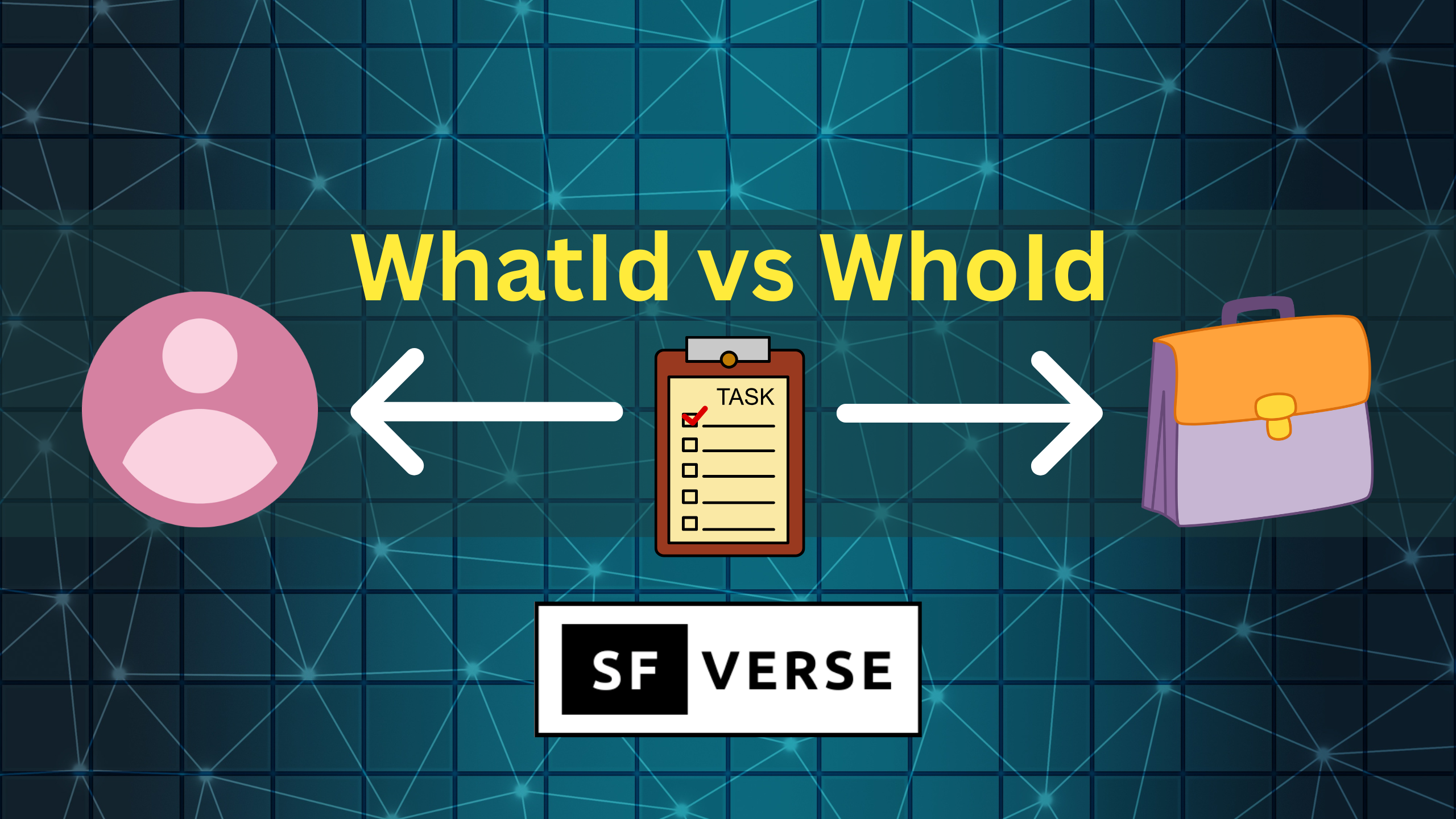
In this article we will understand WhatId vs WhoId in Salesforce.
When you create a Task or Event in Salesforce, you’ll often see two fields that look similar but mean very different things:
- WhoId
- WhatId
The easiest way to remember the difference is this:
- WhoId = the person involved
- WhatId = the record the activity is about
WhoId: “Who did you interact with?”
WhoId is for person records only. In Salesforce, that means:
- Lead
- Contact
So if you’re logging a call, email, or meeting with an actual individual, WhoId is the field you want.
Example: Task for a Contact
Task t = new Task(
    Subject = 'Check in after demo',
    Status = 'Not Started',
    Priority = 'Normal',
    WhoId = '003XXXXXXXXXXXX' // Contact Id
);
insert t;
Use WhoId when the activity is tied to a person and you want the activity to show up in their Activity Timeline.
WhatId: “What is this activity related to?”
WhatId is used for non-person records — the “business objects” in Salesforce. This includes common records like:
- Account
- Opportunity
- Case
- Campaign
- Custom objects (like Project__c or Contract_Request__c)
If the activity is tied to the work itself (a deal, support request, account review, or internal project), WhatId is the correct field.
Example: Task related to an Opportunity
Task t = new Task(
    Subject = 'Send updated pricing proposal',
    Status = 'In Progress',
    Priority = 'High',
    WhatId = '006XXXXXXXXXXXX' // Opportunity Id
);
insert t;
Use WhatId when the activity is tied to a record that teams track and report on.
When You Use Both (Best Practice in Many Scenarios)
In real life, an Activity often involves both:
- a person you spoke with
- a record you were working on
That’s why Salesforce lets you set both fields on the same Activity.
Example: Follow up with a Contact about a Case
Task t = new Task(
    Subject = 'Confirm customer issue is resolved',
    Status = 'Not Started',
    Priority = 'High',
    WhoId = '003XXXXXXXXXXXX', // Contact Id
    WhatId = '500XXXXXXXXXXXX'  // Case Id
);
insert t;
This gives Salesforce the full context:
- the Task is connected to the customer (WhoId)
- and tied to the support ticket (WhatId)
Conclusion
If you’re ever unsure:
- WhoId answers “Who was involved?”
- WhatId answers “What was it about?”
And when the activity is connected to both a person and a record, using both fields is usually the cleanest approach for reporting and visibility.
I hope know you have understand WhatId vs WhoId in Salesforce.
Learn about mixed DML error in Salesforce.
Get started with learning LWC from here.


Great content! Keep up the good work!